updated
Flexible Password Policy is now generally available
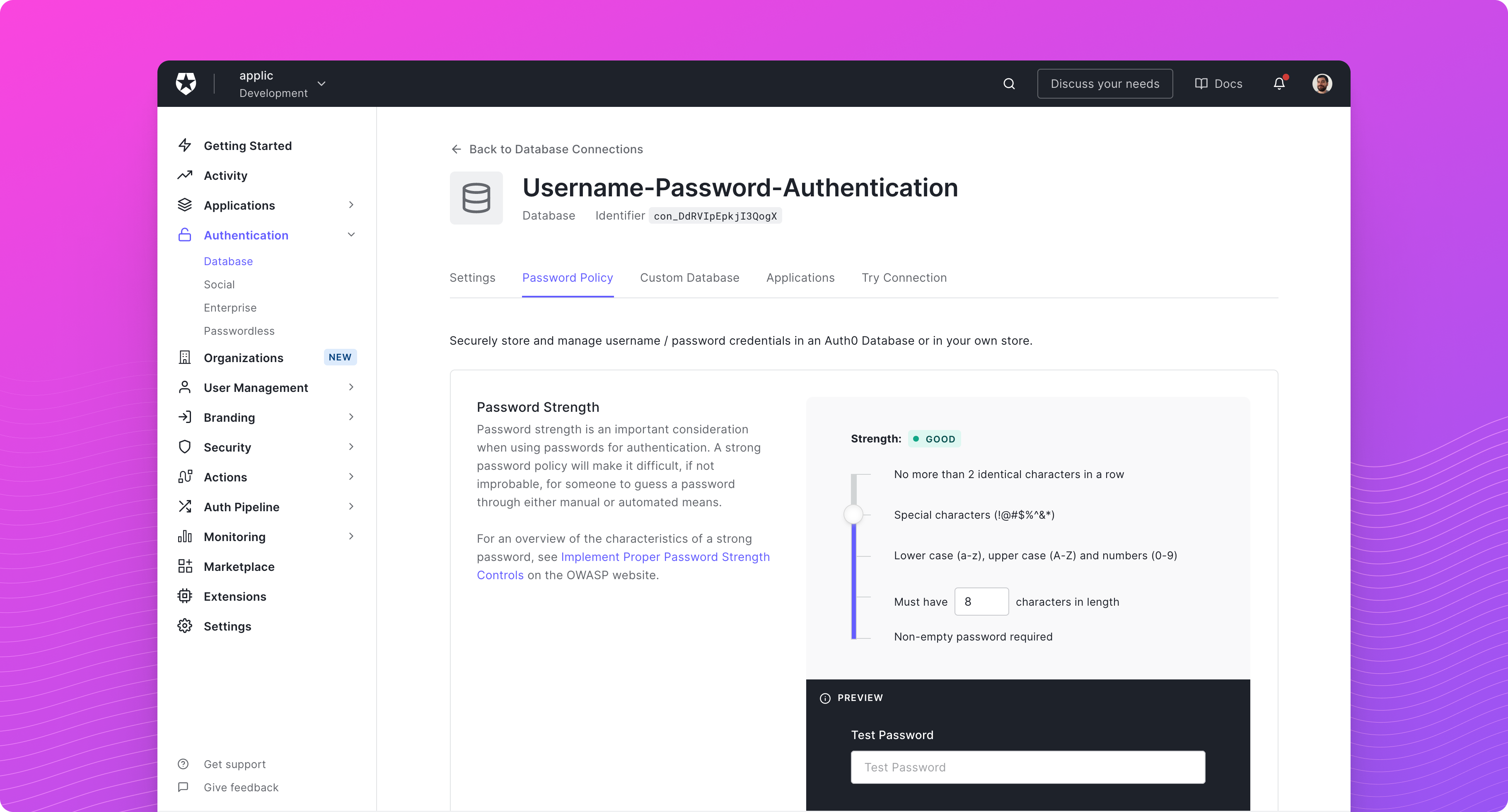
The Flexible Password Policy for database connections is now generally available.
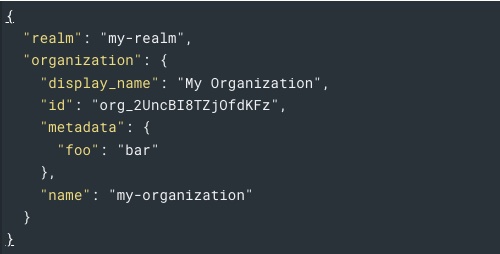
The Flexible Password Policy replaces Auth0's legacy password configuration with a single options.password_options
object, giving you more granular control over how passwords are validated on your database connections:
- Composition — set a minimum length, require specific character types, and block sequential or repeated characters
- History — prevent password reuse across a configurable number of previous passwords
- Dictionary — block common passwords using a 10,000- or 100,000-word list, plus your own custom entries
- Profile data — block passwords containing values from the user's profile, with a configurable field list
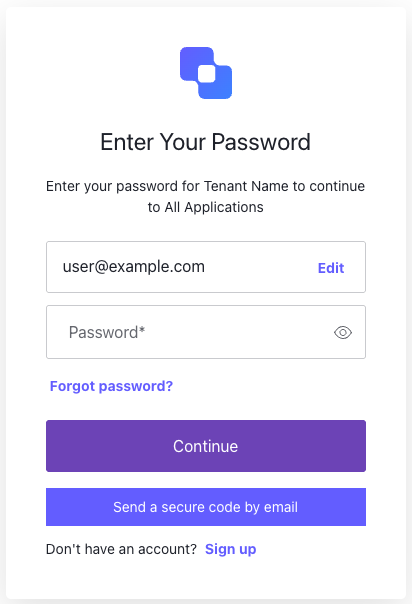
You can configure it in the Auth0 Dashboard under Authentication > Database > [your connection] > Authentication Methods > Password, or through the Management API. To learn more, read Flexible Password Policy.
New database connections now use the Flexible Password Policy by default
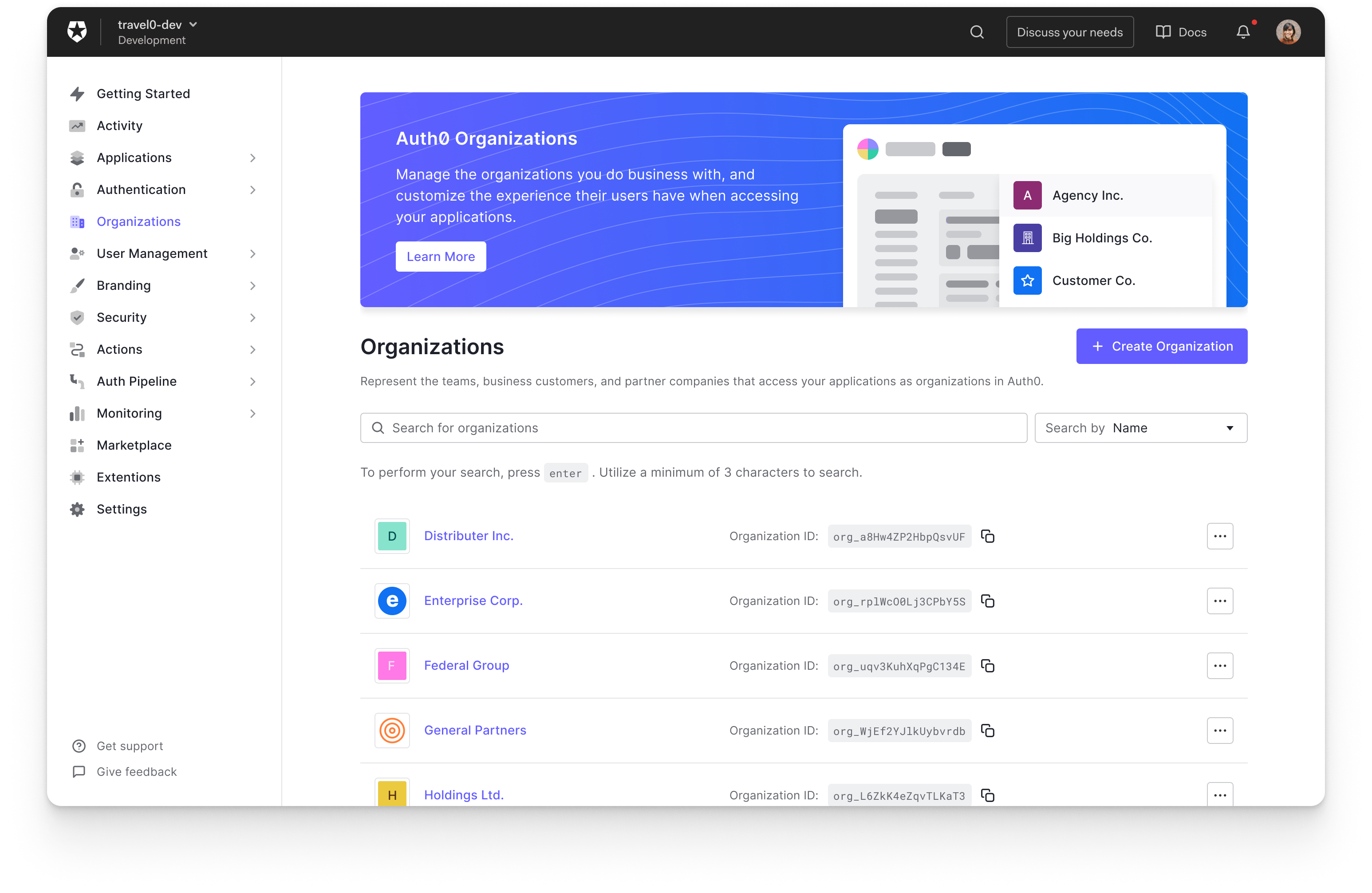
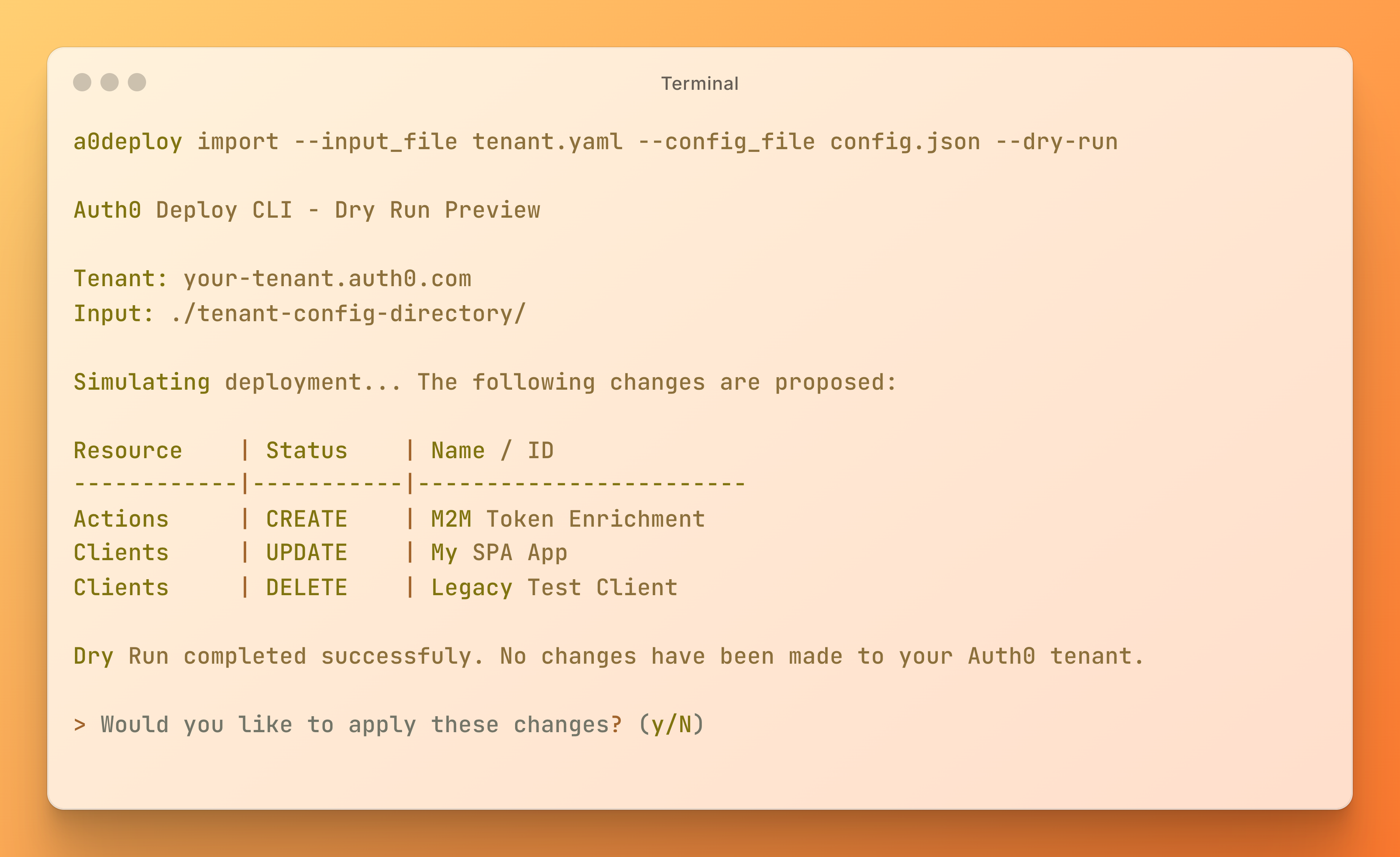
As of July 2026, new database connections are created with the Flexible Password Policy applied by default. If you create a database connection without specifying a password configuration — through the Dashboard, the Management API, the Deploy CLI, Terraform, or an Auth0 SDK — it will use these defaults, which align with current NIST password guidance:
| Setting | Default | | --- | --- | | Minimum password length | 15 | | Required character types | None | | Maximum length exceeded | Error | | Sequential characters | Allowed | | Identical characters | Allowed |
Your existing database connections are unchanged. They keep their current password configuration until you choose to migrate them.
If you create database connections programmatically
If your automation creates database connections and configures password rules using the legacy fields (passwordPolicy, password_complexity_options, password_history, password_no_personal_info, password_dictionary), review the following before your next deployment:
- On update,
PATCH /api/v2/connections/{id}returns400 invalid_bodyif the request contains bothpassword_optionsand legacy password fields. If your integration reads a connection and writes it back with legacy fields added, send onlypassword_optionsinstead.
To migrate your payloads, see the legacy-to-flexible field mapping in Enable the Flexible Password Policy.
Continuing to use legacy password policies
Legacy password policies remain supported, and there is no end-of-life date for them. If you prefer to keep a legacy configuration on a new connection, remove options.password_options from the connection using the Management API. Should we deprecate legacy password policies in the future, we will announce it here with at least 12 months' notice and a migration guide.
If you need additional time before this default applies to your tenant, contact Auth0 Support.


















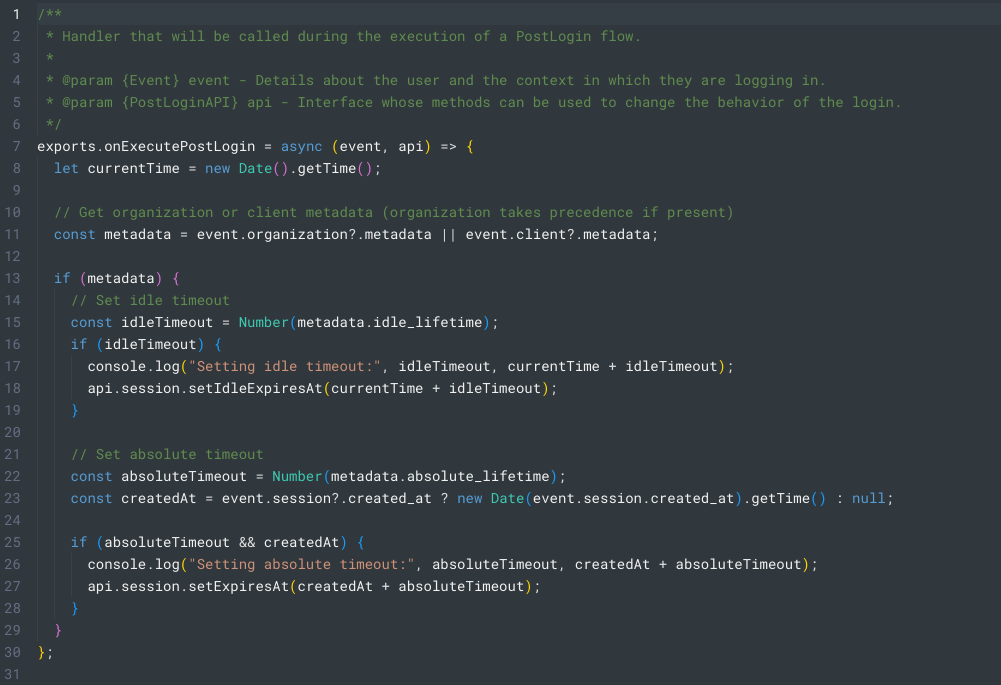


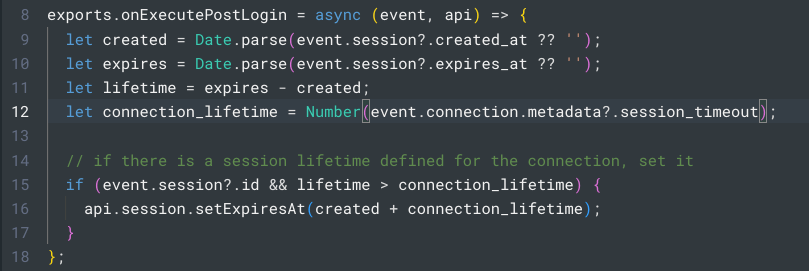


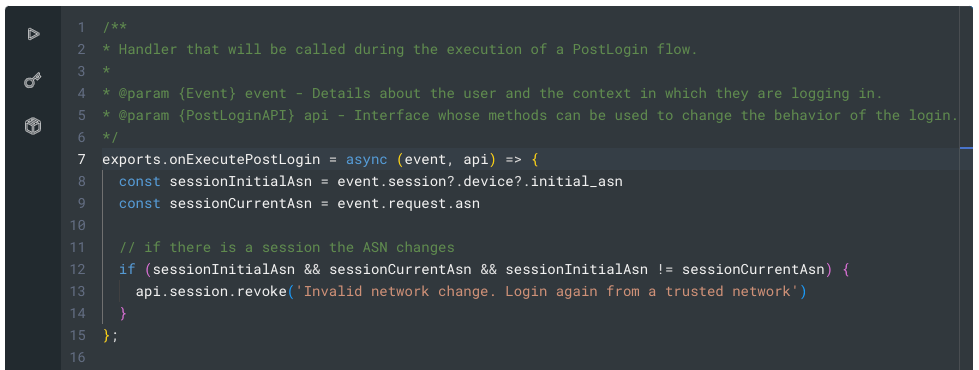
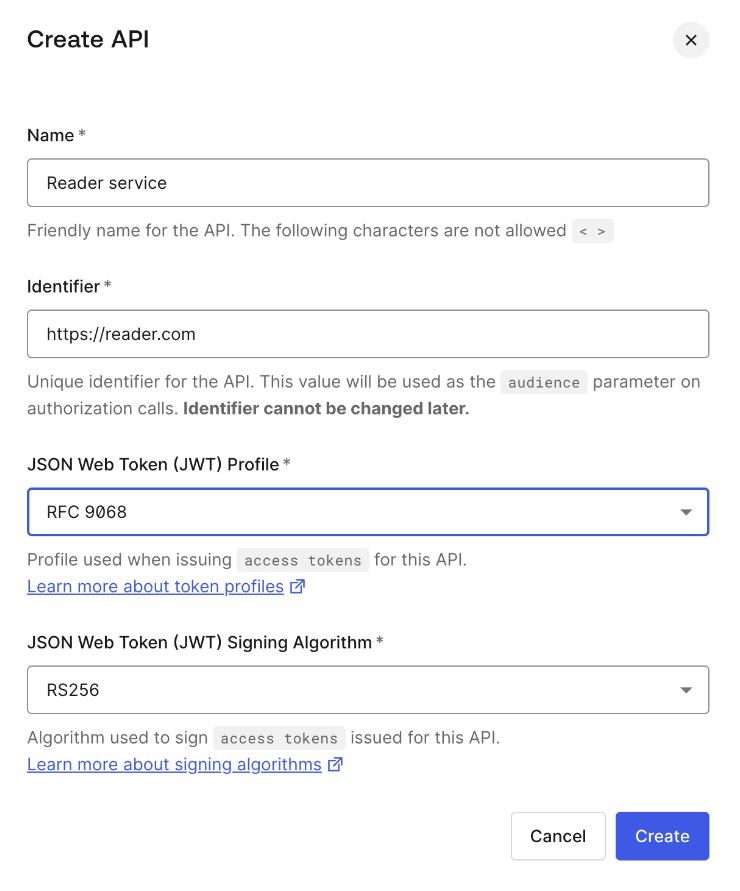




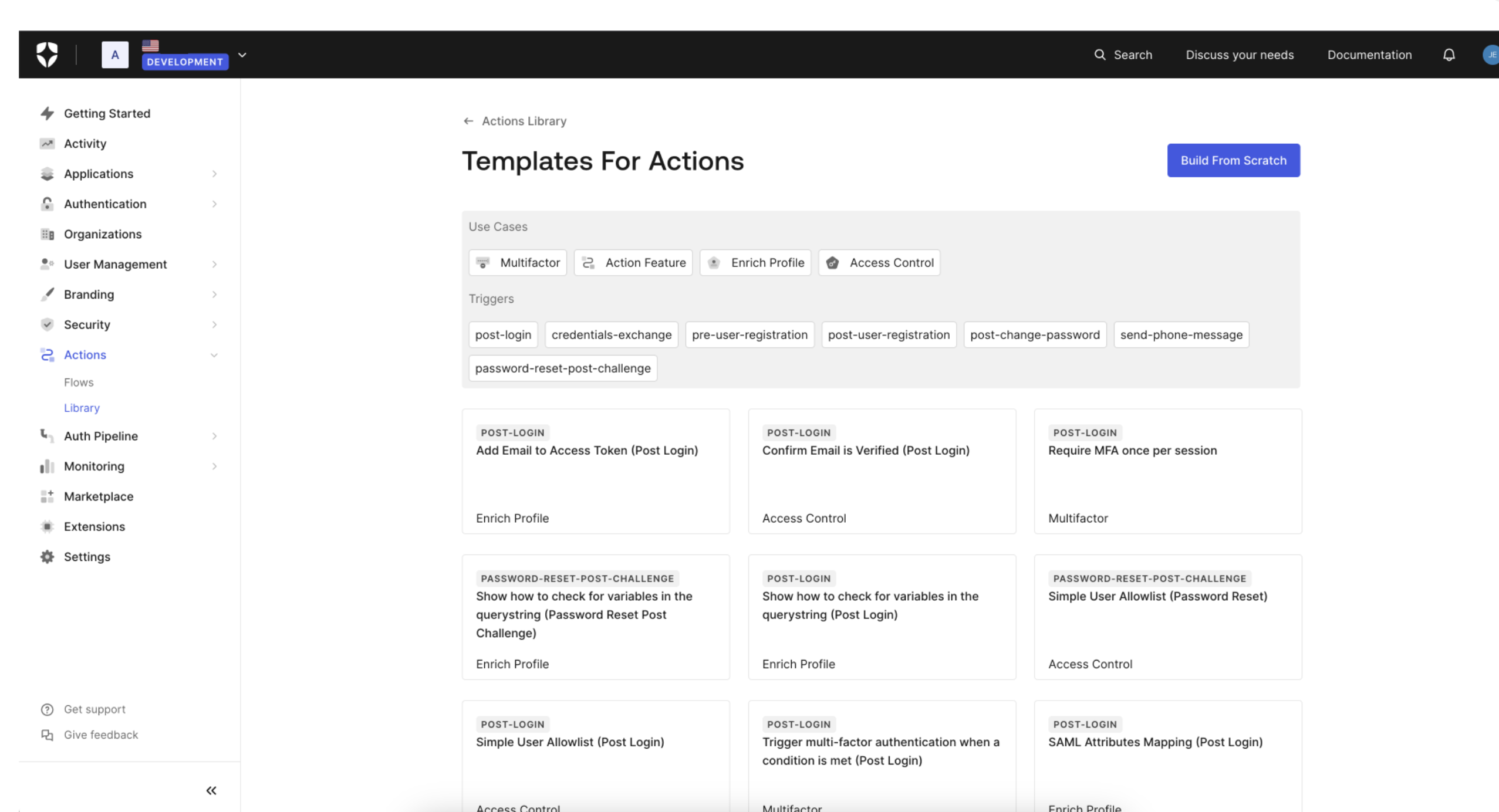 You can learn more about Templates for Actions from our
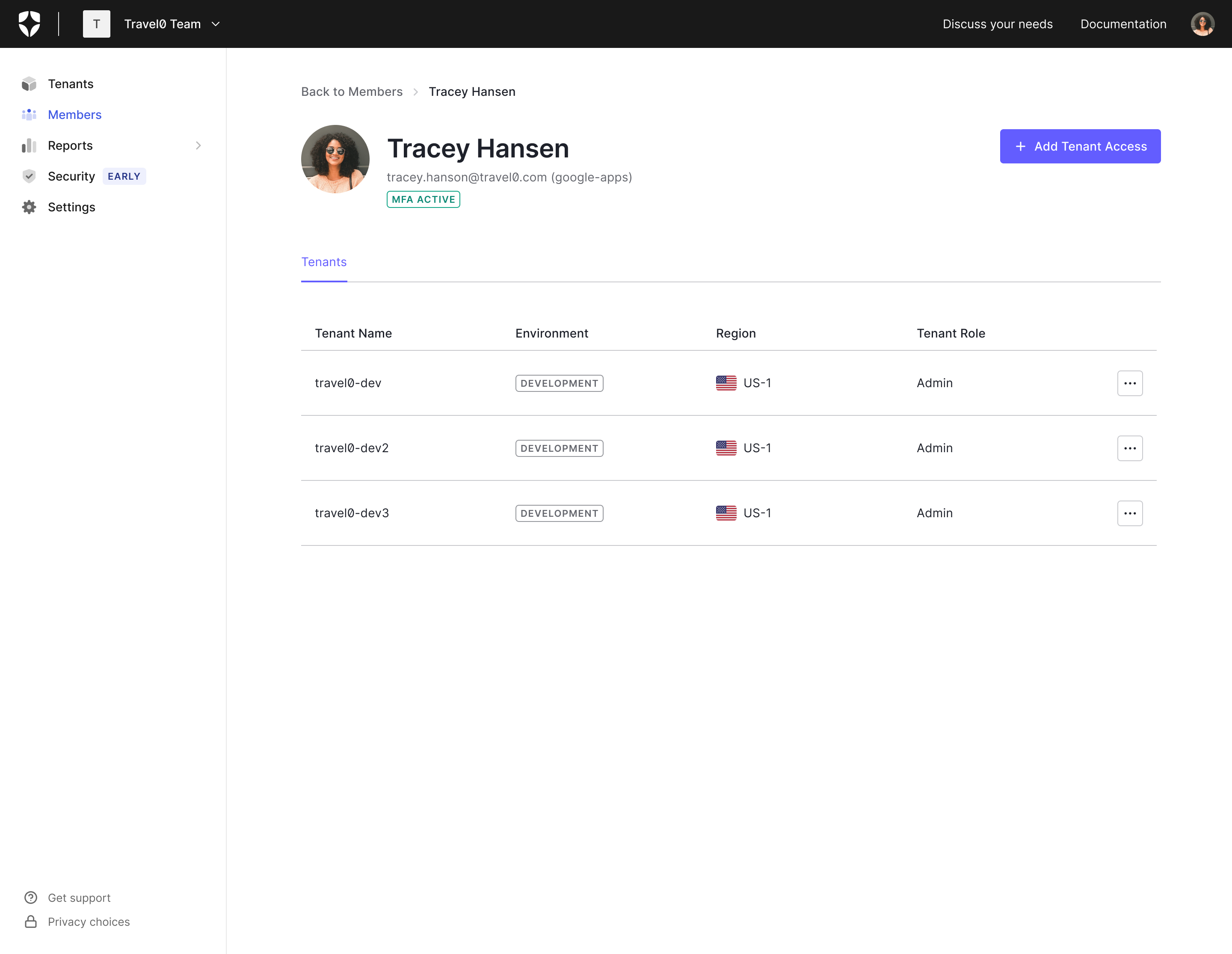
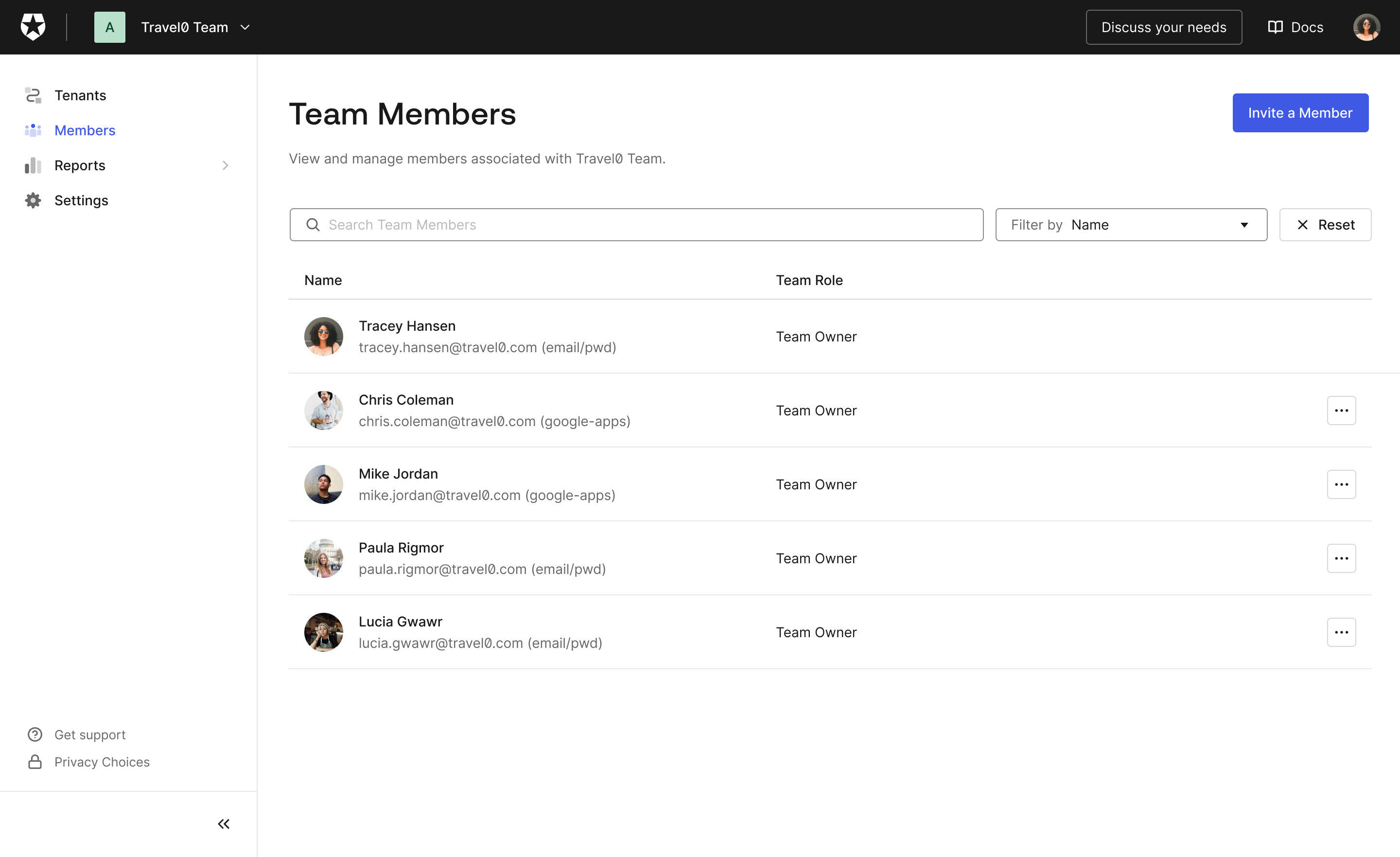
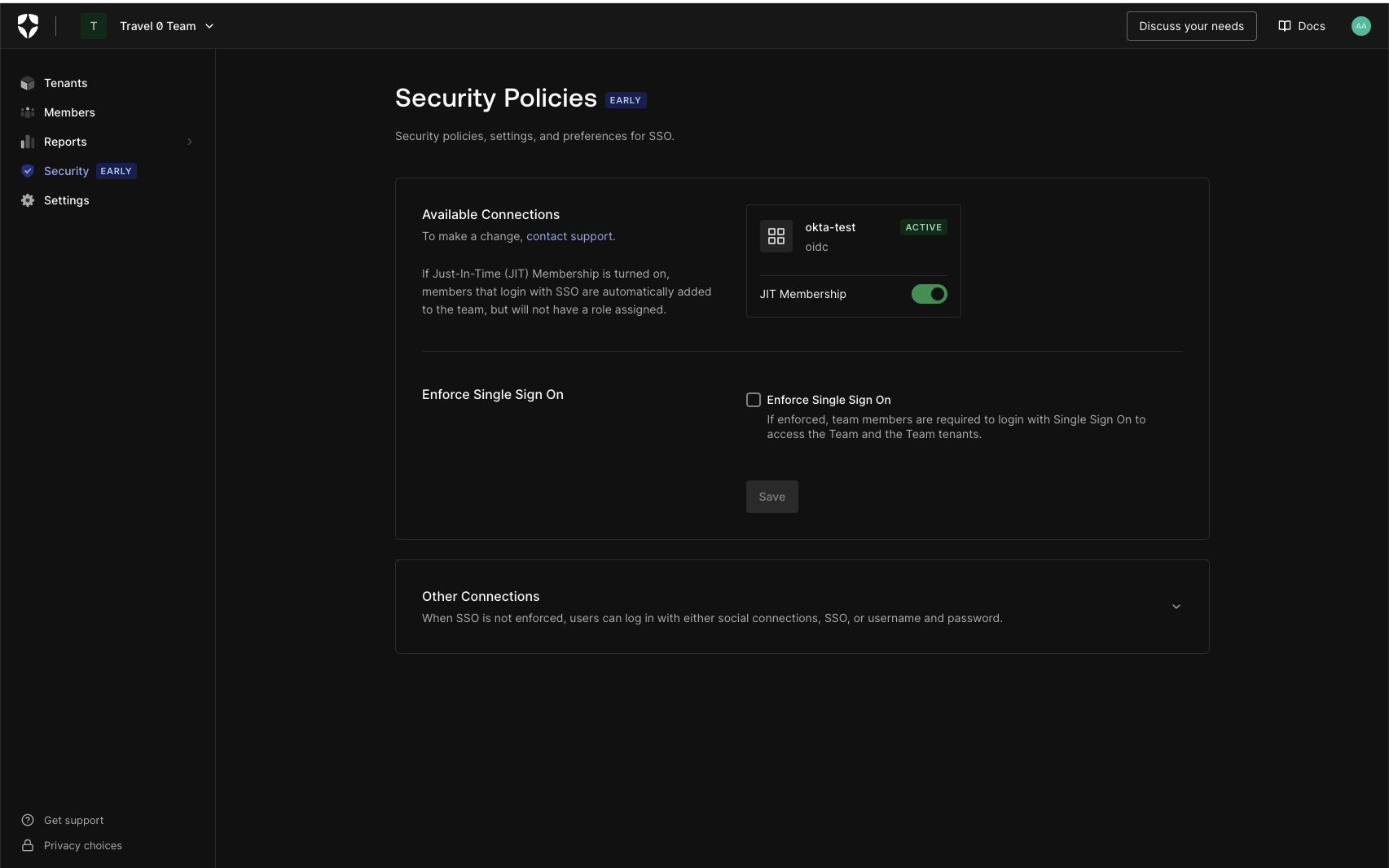 Did someone order up one Dark Mode Browser extra Hot! Feel free to dim the lights; Teams Dashboard now supports dark mode.
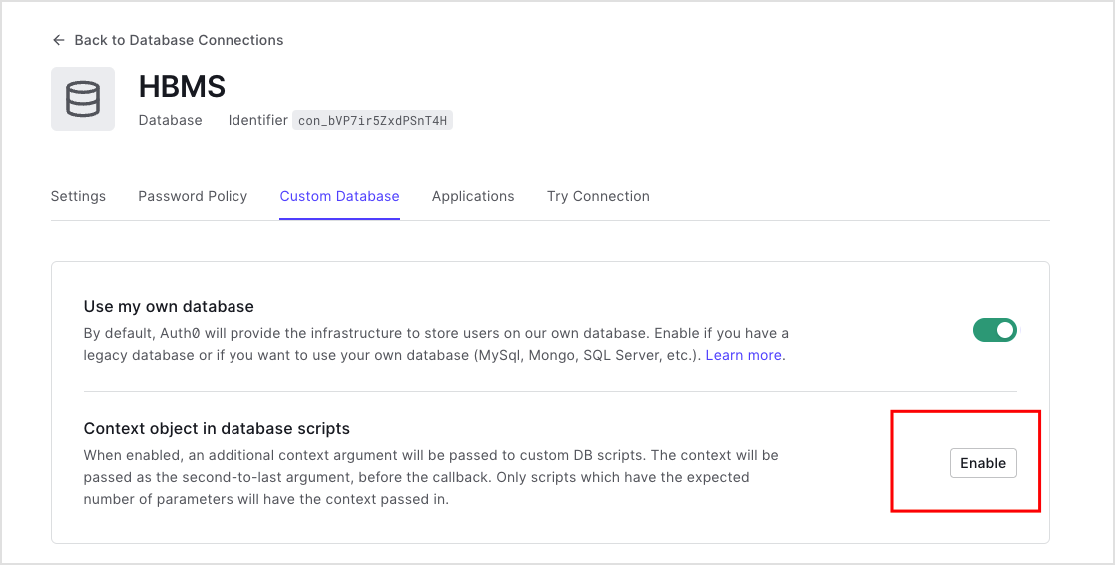 Once enabled, the custom database action script will be passed an extra parameter,